This page is a package-safety explanation. It contains no APK link, signing bypass, patching workflow, altered balance file or purchase circumvention instructions.
Fast answer
The answer before the background
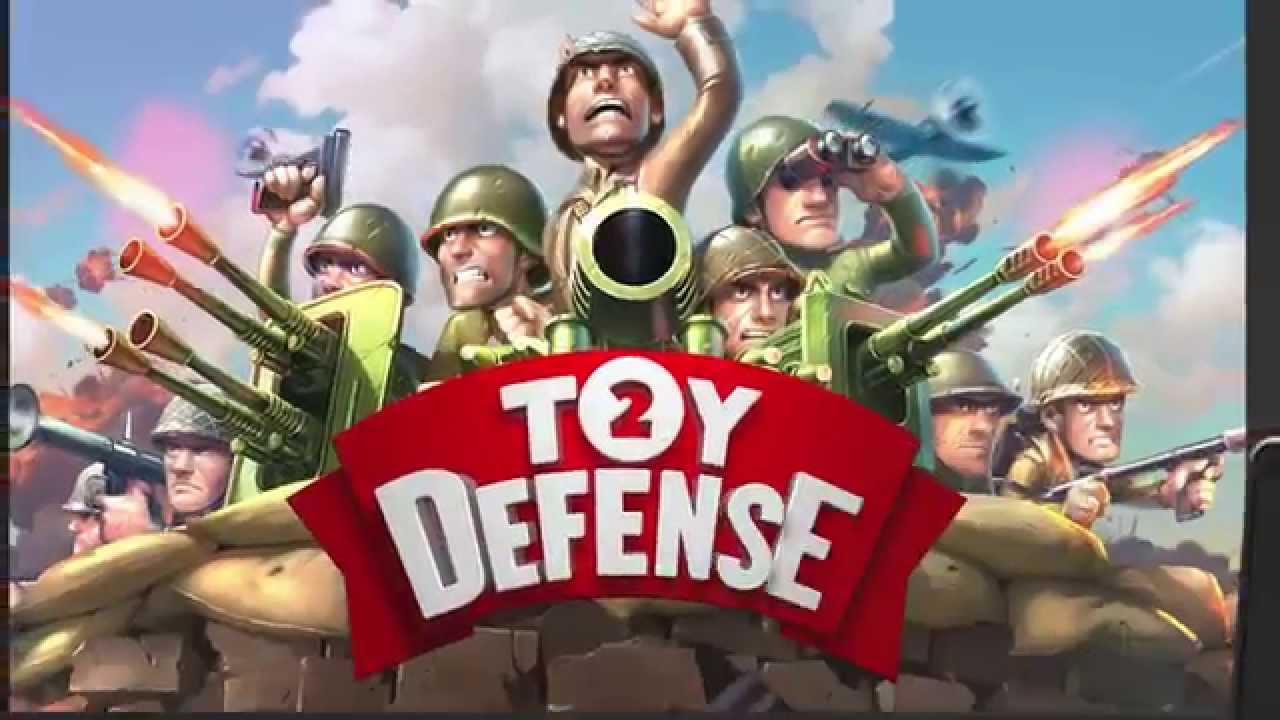
A Toy Defense 2 mod APK is a third-party modification of a legacy Android package, not a current official edition. The authentic historical Google Play identity used com.melesta.toydefense2, but its Wargaming-linked product URL is now unavailable. A mirror can copy that package name, icon and version 2.23 while changing the signer, code, permissions, advertisements, billing or save behavior. Quest Meridian therefore does not provide a mod file or treat unlimited resources as proof of a safe build.
Authenticity layers
A package name is only one part of the identity
| Layer | Historical official evidence | What a mirror can copy | What still requires trust |
|---|---|---|---|
| Name and icon | Toy Defence 2 branding | Both | Nothing about code origin. |
| Package | com.melesta.toydefense2 | The text label | Developer signing and update lineage. |
| Version | Archived 2.23 record from 2020 | The displayed number | Binary contents and compatibility. |
| Permissions | Old app requirements varied by build | A plausible-looking list | Whether added services collect data or control the device. |
| Store review | Former Google Play distribution | A copied badge or screenshot | Current platform scanning, receipts and developer accountability. |
Decision
Do not solve delisting by removing the remaining security controls
- Check the original Google or Apple purchase library before considering any other route; an owned entitlement is the only plausible official reinstall path found.
- Avoid enabling installation from unknown sources for a file advertised mainly through unlimited currency or removed ads.
- Never disable Play Protect, device integrity checks or antivirus because a legacy build does not pass them.
- Do not attach a primary Google, Facebook or payment account to a modified application whose signer is unknown.
- If preservation is the goal, archive a legitimate owned installer and save with hashes and device notes rather than downloading an arbitrary repack.
- If no legitimate copy is available, choose a supported tower-defense alternative; lack of availability is not authorization to trust an unknown publisher.
After installation
Remove permissions and secure connected identities
Uninstall the modified package, remove any device administrator, accessibility service, VPN profile or certificate it requested, and scan the device. Review Google account sessions and purchases if those credentials were used. If the package replaced a legitimate installation, do not immediately synchronize the altered save to another device; keep a backup and verify the clean client's expected state first.
A mod may appear functional while failing only during a purchase, cloud save, update or late mission. Compatibility problems are especially likely for software whose public store release ended years ago. The safe answer is not to find a newer repack but to restore a known signer and source—something current public distribution does not presently provide to new users.
If the only goal is historical preservation, document the owned device, operating-system version, application version and save location without distributing the binary. A private backup from a legitimate entitlement and an unknown public repack are not equivalent. The first preserves provenance for the owner; the second asks every downloader to trust a new compiler, host and update path that the original developer no longer controls.
Before resetting the device, export a list of recently installed applications and account sessions, photograph any unfamiliar permission screen, and preserve the suspicious file only in quarantine if a security professional needs it. Do not send the package to friends for confirmation. Independent reinstallation spreads the same uncertainty and can expose more accounts without establishing who built the file.
An emulator does not remove these questions. It may isolate some application behavior from the host, but the guest can still receive credentials, display deceptive billing screens or modify shared files. A clean virtual device is useful for professional analysis only when the analyst controls the network, accounts and evidence process; it is not a recommendation for ordinary players to test an unknown download.
Finally, verify that the clean installation no longer shows the altered balance, advertising behavior or permission request. If any of those remain, restore the device from a trusted point or obtain qualified security help before signing into a primary account again.
Searchers deserve the correct historical package identity and a clear risk decision, not a fake download button placed beneath a warning paragraph.
FAQ
Common questions
Is this kind of modified Android package official?
No. Modified APKs are not published by the checked Wargaming, Melesta or current Melsoft channels.
Does package com.melesta.toydefense2 prove an APK is safe?
No. A repack can preserve the package label while changing the signer and contents.
What was the last archived Android version?
Third-party store archives record version 2.23 from 2020. That is historical metadata, not a current safety guarantee.
What is the safe alternative?
Use an existing official purchase entitlement if it still delivers the app, preserve a legitimate old copy, or choose a supported game.
Sources
What we checked
Official listings establish current availability and product facts. Community pages are used for mechanics and build history, then labeled separately.
- OfficialWargaming and Melesta remastered-release announcement
- OfficialWorld of Tanks remaster feature record
- OfficialMelsoft historical gameplay video
- OfficialHistorical Google Play product URL
- OfficialHistorical Apple product ID 618983524
- OfficialHistorical official product website
- OfficialCurrent Melsoft-domain landing page
- CommunityArchived Android listing and removal record